Using your school Gmail account you can access more apps than your personal gmail has.
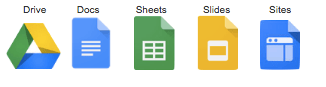
Google Drive- Excellent for your Professional Learning Team to plan on shared Google Docs and them organise your work and folders in drive.
Google Docs- Children can share you in to view, comment or edit their work. We tend to get the children to share us in as ‘Can Comment’ so we can give suggestion for improved learning outcomes but it is still totally up to the student to edit and improve work.
Google Sheets- Same as excel or numbers with the same sharing functions as other Google Apps.
Google Slides- A fresher more professional new look instead of powerpoint and keynote. Children can share another partner or team members to collaborative work online together.
GoogleSites- The children have had a taste of running their own website. We had used it all year. Initially it was a way to get to know about the students and their interests and hobbies. As the year went on we have used it for reflecting on their learning, reviewing the term for parent teacher interviews, setting SMART Goals, rating their success and Inquiry learning summaries.
Here is a link from Sandhurst CEO have a site that has all sorts of information and resources related to that particular Google tool or other Google Products/Projects for teachers and students to use.
https://sites.google.com/a/ceosand.catholic.edu.au/sandhurstgafe/
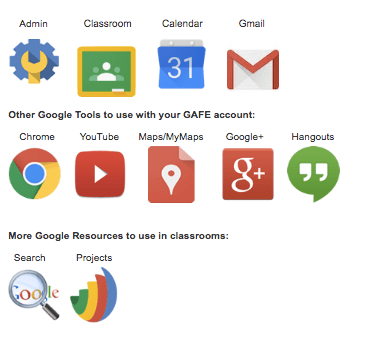
There are many other tools to explore once you have mastered the above core tools.
 iteach72